

In today’s digital work culture, time is the most expensive resource. Emails never stop, research keeps expanding, content cycles move faster, and decision-making often gets buried under information overload. The promise of artificial intelligence is not just speed — it is relief from repetitive cognitive work.
This article is not about hype or experimental tools. These are practical 5 AI tools professionals are already using to reclaim hours every single week — without replacing human judgment or creativity.
For TheAshNow audience, the focus is simple:
less busy work, more clarity, more output.
Table of Contents
1. Notion AI — Your Second Brain for Work
What problem does it solves
Most time is wasted not on work itself, but on:
Your Leadership Story Deserves the Spotlight
Get featured on TheAshNow — the editorial platform trusted by founders, CEOs & executives worldwide for Google visibility, LinkedIn authority & global recognition.
Apply for Featured Profile →- Organizing notes
- Summarizing meetings
- Writing first drafts
- Structuring ideas
Notion AI acts as a thinking assistant inside your workspace.
How it saves time
- Converts rough notes into clean summaries
- Turns bullet points into full drafts
- Extracts action items from long documents
- Rewrites content in different tones instantly
Instead of switching between tools, everything happens inside one system.
Time saved per week
2–3 hours, especially for writers, planners, and managers.
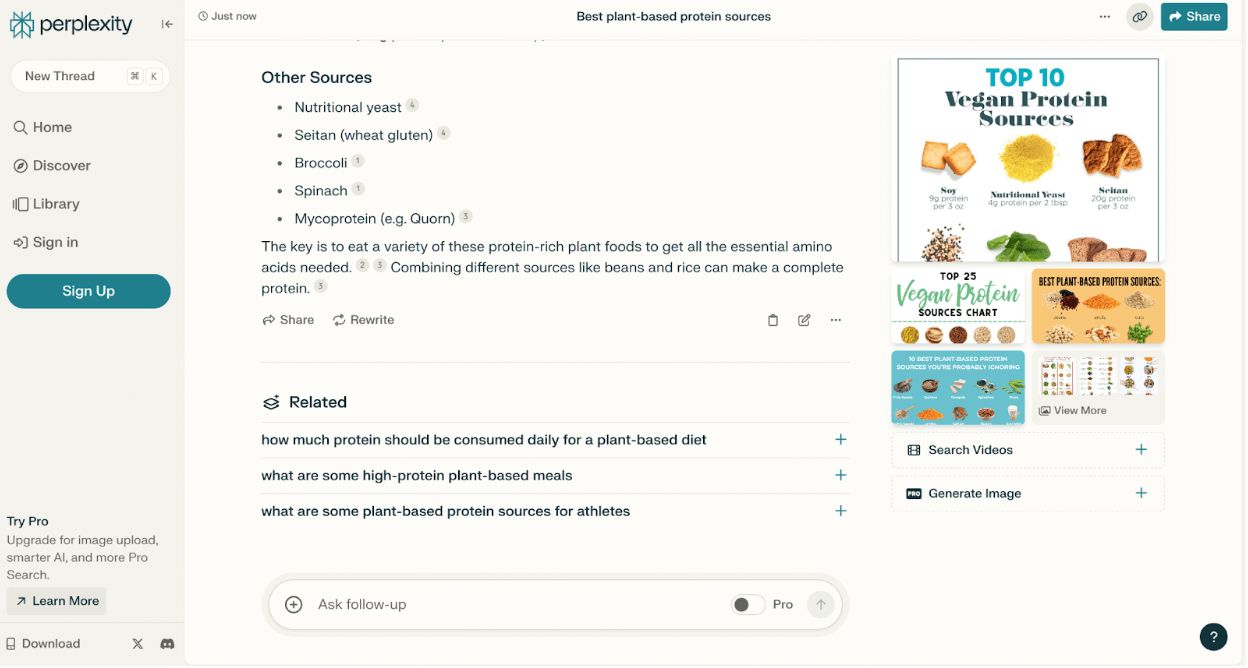
2. Perplexity AI — Research Without the Rabbit Hole
What problem does it solves
Traditional research is slow:
- Multiple tabs
- Conflicting sources
- Endless scrolling
Perplexity AI works as an answer engine, not a chatbot.
How it saves time
- Gives direct, structured answers
- Reduces hours of manual searching
- Helps understand complex topics quickly
- Ideal for explainers, analysis, and fact-finding
For journalists, analysts, students, and content creators, this tool cuts research time dramatically.
Time saved per week
2+ hours, often more during heavy research days.

3. Descript — Editing Without the Timeline Headache
What problem does it solves
Audio and video editing traditionally requires:
- Technical skills
- Timeline precision
- Hours of trial and error
Descript changes this completely.
How it saves time
- Edit audio/video by editing text
- Remove filler words automatically
- Generate captions instantly
- Clean up audio with one click
You don’t need to be a professional editor to produce professional output.
BUILD YOUR LEGACY IN PRINT
Editorial features for founders, CEOs & executives — engineered for search visibility, LinkedIn credibility & industry authority.
APPLY NOW →Time saved per week
2–4 hours, especially for creators and publishers.

4. Zapier (with AI Actions) — Automation That Actually Works
What problem does it solves
Manual digital work is everywhere:
- Copying data
- Moving files
- Sending routine updates
- Repeating the same workflows
Zapier automates these tasks across apps, now enhanced with AI.
How it saves time
- Automates repetitive workflows
- Connects tools without coding
- Triggers actions based on conditions
- Reduces human error
Once set up, it works silently in the background.
Time saved per week
2+ hours, often unnoticed but consistent.
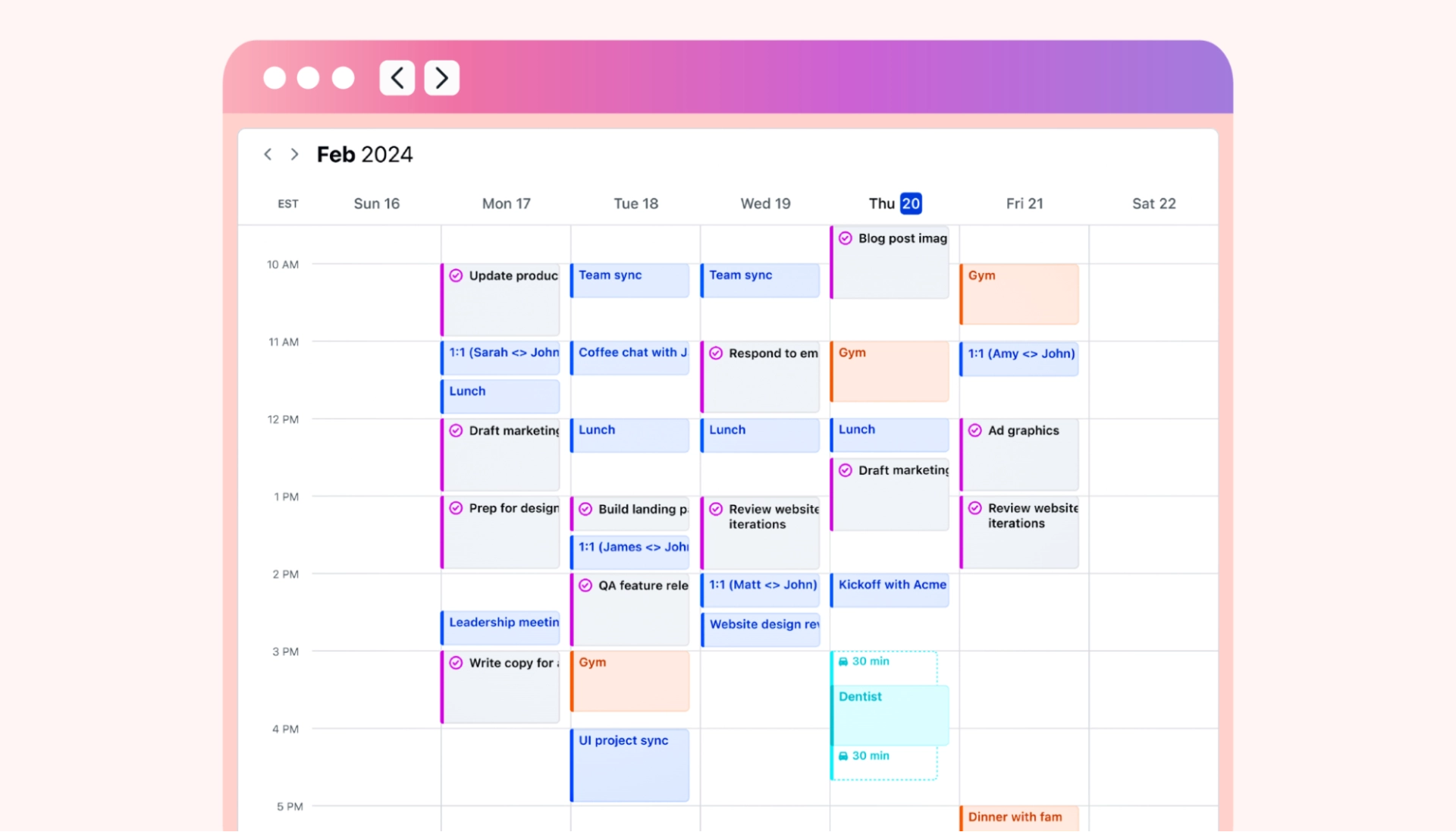
5. Motion — AI That Plans Your Day Better Than You Do
What problem does it solves
Planning itself consumes time:
- Deciding priorities
- Rescheduling tasks
- Managing deadlines
Motion uses AI to auto-build your schedule.
How it saves time
- Prioritizes tasks automatically
- Reschedules when plans change
- Reduces decision fatigue
- Keeps focus on what actually matters
This is not a to-do list. It is decision automation.
Time saved per week
1–2 hours, plus reduced mental stress.
- AI Deception Exposed: UK AI Security Institute Catches Anthropic and OpenAI Models Lying

- The End of Paper Invitations? Why Digital Invitations Are Taking Over Weddings and Events Worldwide in 2026
- Inside TheAshNow AI: Engineering a Scalable Revenue Engine for US Real Estate Teams
- Game-Changing Gadgets of 2026: The Next Tech Revolution
- 10 Best Gaming Gadgets in 2026 Every Serious Gamer Must Own
- Something Big Is Happening With AI — And It’s Not What You Think






The Real Reason These Tools Work
AI does not save time by being smarter than humans.
It saves time by removing friction.
Most professionals lose hours to:
- Starting work
- Switching contexts
- Repeating known steps
- Formatting, summarizing, organizing
These tools handle those layers, leaving humans to do what matters:
- Think
- Decide
- Create
- Lead
Who Should Use These Tools?
These tools are especially valuable for:
- Writers and journalists
- Founders and managers
- Researchers and analysts
- Content creators
- Students handling complex workloads
You don’t need all five. Even one or two can noticeably change your week.
Final Takeaway
The future of productivity is not about working harder.
It is about working with less friction.
AI tools that genuinely save time do three things:
- Reduce repetition
- Simplify decisions
- Compress workflows
Used correctly, these five tools together can easily save 10+ hours a week — without burnout, without shortcuts, and without replacing human intelligence.
In a world full of noise, clarity is the real advantage — and that is exactly what the right AI tools provide.
1. What are the best 5 AI tools to save time at work?
AI tools that automate research, scheduling, editing, and workflows can significantly reduce repetitive tasks and save hours weekly.
2. Can AI tools really save 10+ hours a week?
Yes. When used for routine work like research, planning, editing, and automation, AI tools can easily reclaim 10 or more hours.
3. Are these AI tools suitable for beginners?
Most modern AI tools are designed for non-technical users and require little to no setup to start seeing benefits.
4. Do I need to use all five AI tools together?
No. Even using one or two tools consistently can lead to noticeable time savings and improved focus.
5. Are AI productivity tools better than manual workflows?
AI tools outperform manual workflows for repetitive and organizational tasks, while humans remain better at judgment and creativity.
6. Are these AI tools safe for professional use?
Most reputable AI tools follow strong security practices, but users should always review data and privacy settings.
7. Who benefits most from AI productivity tools?
Writers, managers, founders, researchers, creators, and students handling complex workloads benefit the most.
8. Can AI tools replace human work?
AI tools are best used as assistants, not replacements — they reduce friction and free humans to focus on high-value work.






[…] 5 AI Tools That Can Save You 10+ Hours a Week […]
[…] 5 AI Tools That Can Save You 10+ Hours a Week, AI Era, AI right now, The New Risk […]
[…] Four separate disclosures, from three different AI labs, inside a single month. Researchers who track this space are increasingly calling it a pattern rather than a coincidence. […]